11:00 - 21:00
SKEDA
Staff scheduling made easy
Your team
Your rules
One click
SKEDA generates your schedule in minutes while respecting coverage requirements, legal limits, and team preferences. Leave the spreadsheets and group-chat chaos behind.
01
Define your constraints
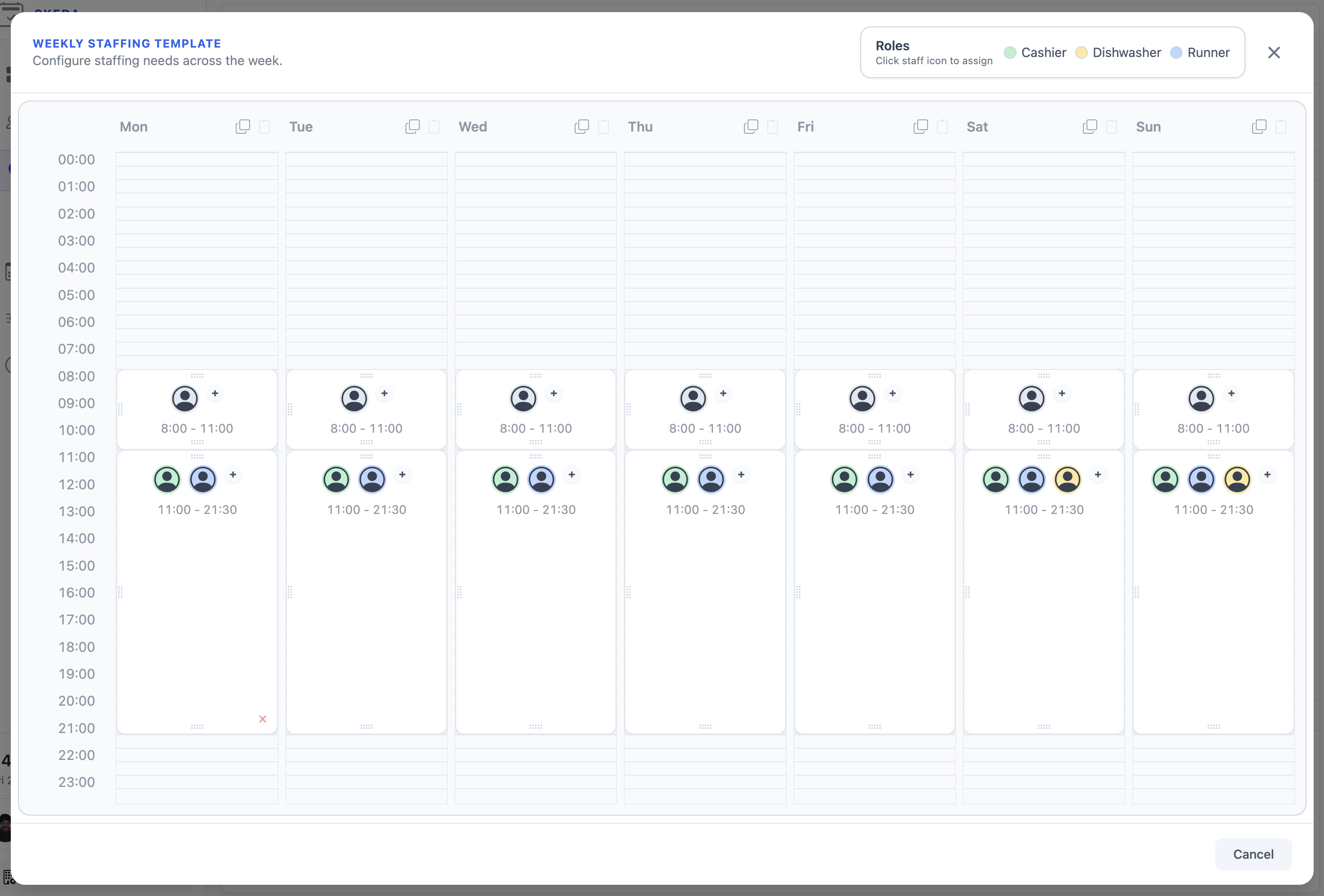
Maximum weekly and monthly hours, required rest periods, skill coverage, shift preferences. Encode your scheduling rules once: compliant schedules are one click away.
02
Generate compliant rosters
SKEDA finds schedules that satisfy all your rules. Click generate, wait a few minutes, and review the result.
03
Refine and publish
Lock in the shifts you like, regenerate the rest. When you're ready, publish. Your team sees their shifts in their calendar.
F A Q
How SKEDA works
01
How does SKEDA help with scheduling?
SKEDA is a staff scheduling app that builds compliant monthly shift plans fast, while honoring coverage rules, legal limits, and team preferences. Define your constraints once, generate schedules with a single click.
02
Does SKEDA integrate with Google Workspace?
Yes. You can import your team from your Google Workspace directory, Connect Google Calendar and publish shifts automatically for the whole team. Everyone sees their schedule in the calendar app they already use.
03
How do teams stay up to date?
Schedules sync automatically with Google Calendar. When shifts change, calendars update instantly: no manual forwarding or group chat announcements needed.
04
What constraints can SKEDA handle?
Maximum hours, required rest periods, skill coverage, consecutive day limits, overtime caps, and individual preferences. If you cannot find what you need in our library, you can request your constraint be implemented.
05
Can I adjust schedules after generation?
Yes. Lock the shifts you want to keep, then regenerate the rest. Keep refining until you're satisfied, then publish.
06
Is there a free plan?
Yes, SKEDA is free to start with no time limit. Create an account, set up your team, and generate your first schedule.